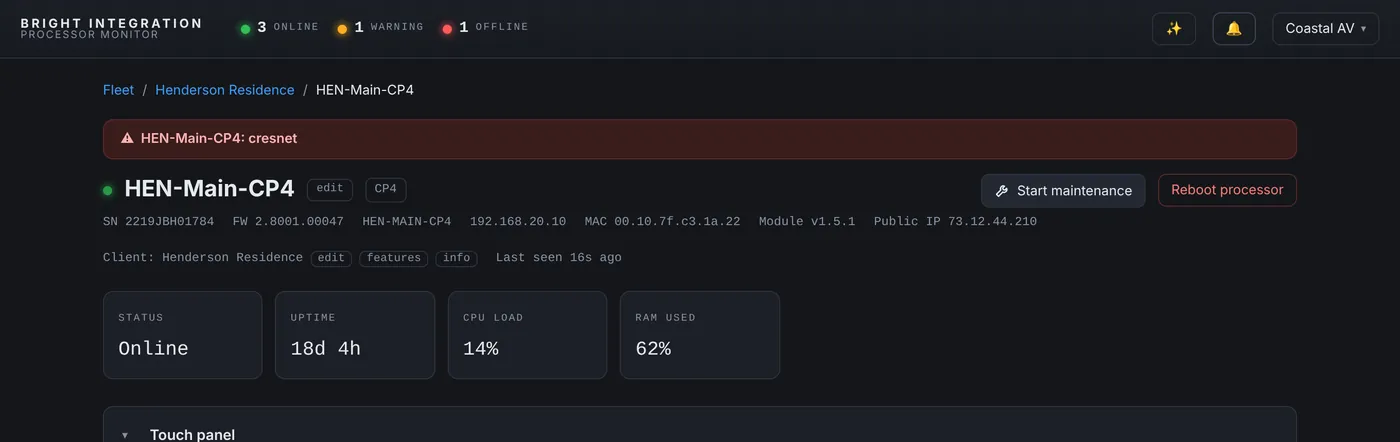
This one started like a normal comfort call, and it taught me something about what a temperature reading really means.
The alert
One of the homes we look after has six thermostat zones, all reporting to Processor Monitor. The Office zone has an alert set at 80°F. On a Wednesday morning at 10:27 AM it fired: “Office at 80F (above 80F)”. Then it kept re-notifying every hour, 81°F, then 82°F, through the day, the night and into Thursday.
The history graph made the first part easy to read. Until 9:59 PM on Tuesday night, the Office had been completely normal: setpoint 69°F, short cooling cycles of about three minutes on and ten off, and the room held between about 66 and 70°F, the same as every other night that week. From 10:00 PM there was no cooling call at all. The room climbed smoothly from 66°F to 75°F by 10:30 PM, 79°F overnight and almost 82°F by Wednesday afternoon, levelling off toward the 82°F outside. The other five zones were cooling normally.
A sensor that goes bad tends to jump around. This was a steady, believable climb, the curve of a real room warming up with nothing cooling it. The question was why the Office stopped asking for cooling at 10 PM.
The part that didn’t look right
On Thursday morning someone at the house tried to fix it from the thermostat. The setpoint went from 69°F to 65°F, then 68°F, then 67°F. At exactly 12:01 PM, the moment it landed on 67°F, the Office temperature locked at 82.3°F.
And it stayed there. Every reading, every minute, for more than 28 hours: 82.3, 82.3, 82.3. Before that, the Office had wobbled up and down by a tenth of a degree or more every few minutes, like every live sensor does. The other five zones were still doing exactly that.
A room doesn’t hold a temperature to a tenth of a degree for a day and a half. What we were looking at wasn’t the room anymore. The processor had stopped receiving a temperature from the Office thermostat at 12:01 PM, the program was holding the last value it got, and the thermostat module on the processor was faithfully reporting that same value every minute. The dashboard wasn’t stuck. The signal behind it was.
What it actually was
The Office thermostat had been disconnected. That explained the frozen 82.3°F, and it explained why the zone never cooled, even with the setpoint pulled down to 67°F: nothing was reaching the equipment.
It also made sense of something else in the event log for the same system that week. One of the touch panels had been dropping off the network for about a minute every ten minutes for days. Different device, same area of the house, which pointed us at the network and power there.
What I changed
Two things came out of it.
- A connection alert on the thermostat. The temperature alert was doing its job, but it can only report the number it is given. A device offline alert on the thermostat itself says “this thermostat is gone” within minutes, instead of a temperature that slowly stops meaning anything. That alert is on now, and it is how I’d set up any thermostat that matters.
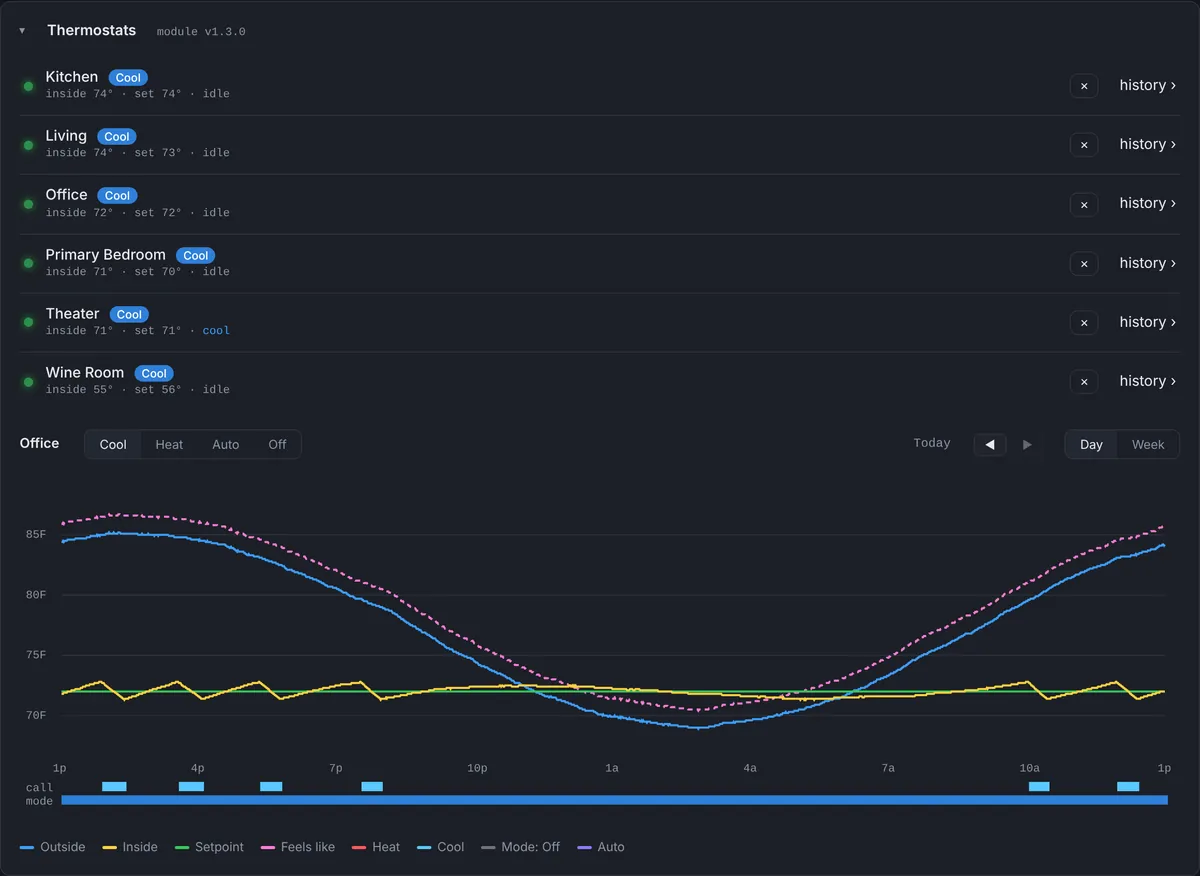
- Mode reporting. At 10 PM on the first night, the most likely explanation was that someone had switched the Office to Off or Heat. The dashboard couldn’t say, because the thermostat module only reported temperatures. Thermostat module 1.3.0 now reports the mode, Cool, Heat, Auto or Off, logs every change, and lets us switch it from the dashboard when the program allows it.
The lesson
A temperature graph tells you two different things, and it is worth reading both. The shape tells you whether the room is behaving: a smooth climb with no cooling calls is an HVAC or control problem. The texture tells you whether the reading is alive: a real sensor always moves a little. A perfectly flat line at a perfectly specific number is a device that has stopped talking.
Without the history, this would have been two truck rolls, one for “it’s hot in the office” and one for “it’s still hot in the office”, before anyone thought to check the thermostat’s connection.
Used in this post
Crestron Thermostat Monitoring & History and Crestron 4-Series Processor Monitoring, part of Processor Monitor. $99 per processor per month, cancel anytime.