Every zone at a glance
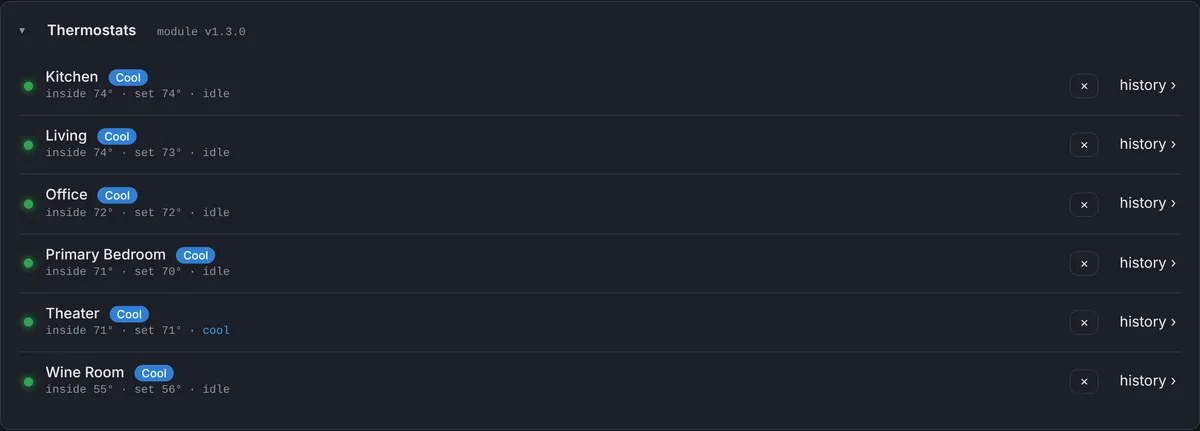
The Thermostats panel lists every zone the Bright Thermostat module reports: its mode, the inside temperature, the setpoint and whether it is calling for heat or cooling right now. A single look tells you which rooms are fine and which one isn’t.
History that explains what happened
Click a zone to open its graph. The day view shows 24 hours and the week view shows 7 days, from one reading per minute:
- Inside temperature and the setpoint, so you can see how close the room stayed to what was asked.
- Outside temperature and feels like, from the module or from the weather at the client’s address.
- Heating and cooling calls as bars under the graph, showing when the system actually ran.
- Mode as a strip: cool, heat, auto or off.
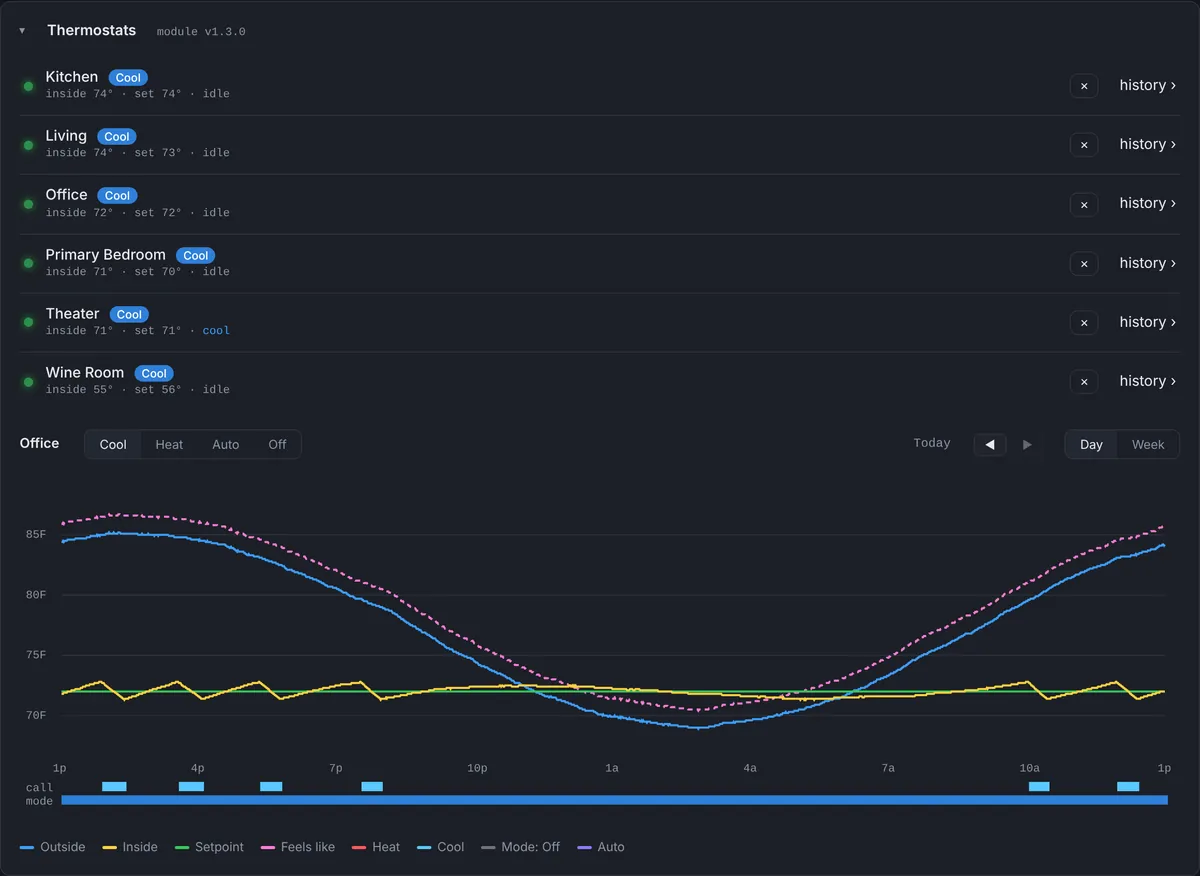
The graph answers most comfort calls on its own. A room that sits on its setpoint with short cooling cycles is working. A room climbing toward the outside temperature with no cooling calls is not, and the time it started tells you where to look.
Change the mode from the dashboard
With Thermostat module 1.3.0 or later, each zone reports its mode, and if the program allows it, you can switch it between Cool, Heat, Auto and Off from the dashboard. The change is picked up by the module within a minute. Every mode change is written to the event log, including who made it from the dashboard, so “someone turned the office off at 10 PM” is visible instead of a mystery.
Temperature alerts
You can add an alert for any zone above or below a temperature, such as a wine room above 60°F or a nursery below 68°F. The alert includes the zone, the temperature and the mode, re-notifies on your schedule while it lasts, and sends a “Resolved” message when the room is back in range.
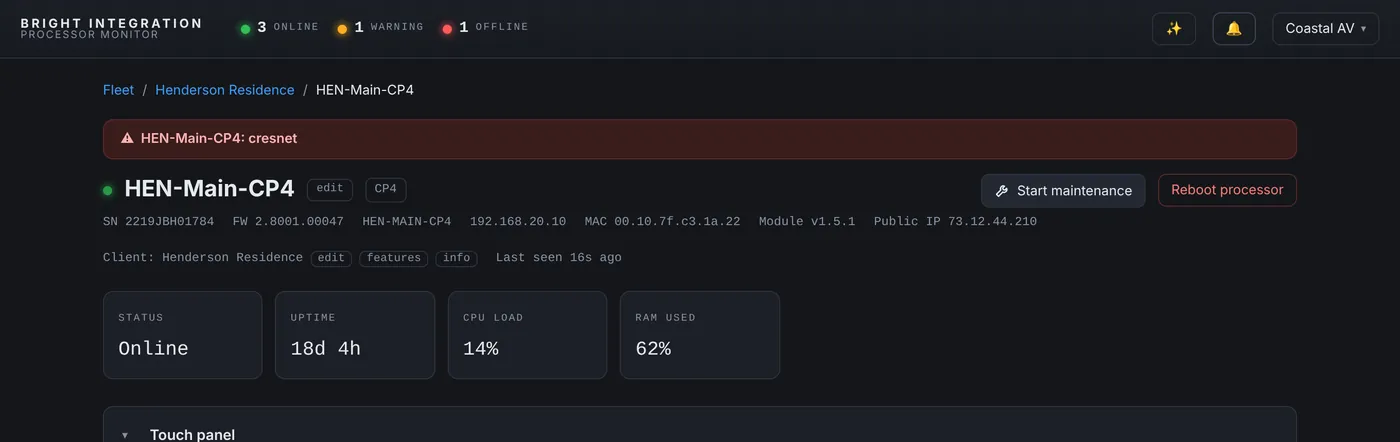
A temperature alert also catches problems that aren’t about the HVAC at all. In one case in our fleet, a zone read exactly the same temperature, to the tenth of a degree, for more than a day. The thermostat had lost its connection, so the program kept sending its last known value. We wrote it up in a thermostat stuck at 82°F that was really disconnected, and pairing a device offline alert with the temperature alert is the fix.
Radiant heat and Crestron Home
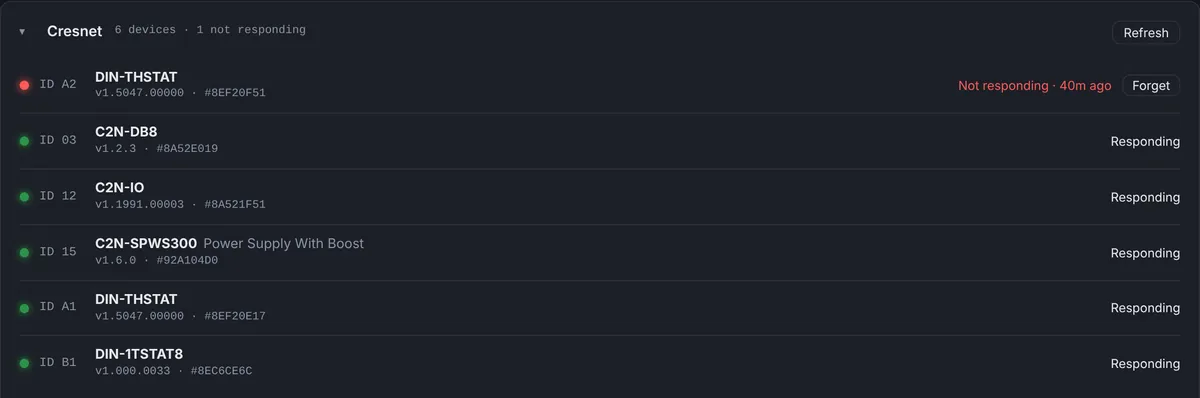
Radiant floor zones on a DIN-1TSTAT8 report their floor temperature, setpoint and heating state to their own panel. On Crestron Home processors, thermostats are read through the Crestron Home Web API, with outside temperature added from the weather at the client’s address, and they feed the same graphs and alerts.

How much history is kept
Minute-by-minute readings are kept for 7 days for every zone, which covers the week view and the usual “it was hot over the weekend” call. The processor’s daily summaries are kept on the calendar beyond that.
Alerts worth setting
- Wine rooms and cellars: above a limit, so a failed cooling unit is caught in hours, not days.
- Server or rack rooms: above a limit, before equipment starts to overheat.
- Homes left empty for the season: above or below a limit, so a problem is found before the owners come back.
The comfort calls this answers
“It’s too hot upstairs”
Open the upstairs zone for the day. If the room sits at its setpoint with regular cooling calls, the system is doing what it was asked, and the conversation is about the setpoint or airflow. If the room climbs with no cooling calls, the zone isn’t asking for cooling, and the mode strip shows whether it was switched to Off or Heat. If the cooling calls are long and continuous while the room still climbs, the equipment is running but can’t keep up, which is a call for the HVAC contractor.
“It was freezing this morning”
The week view shows whether the overnight drop happens every night or only once, and whether it lines up with a schedule, a setpoint change or a mode change.
“The reading never changes”
Real sensors move a little all the time. A reading that stays exactly the same for hours is a sign the thermostat isn’t reporting, not that the room is perfectly stable.
Working with your HVAC contractor
When the problem is mechanical, the graph is the most useful thing you can send. It shows when the calls for cooling started and stopped, how the room responded and what the weather was doing, which can save a diagnostic visit and keeps you out of the middle.
Setting it up
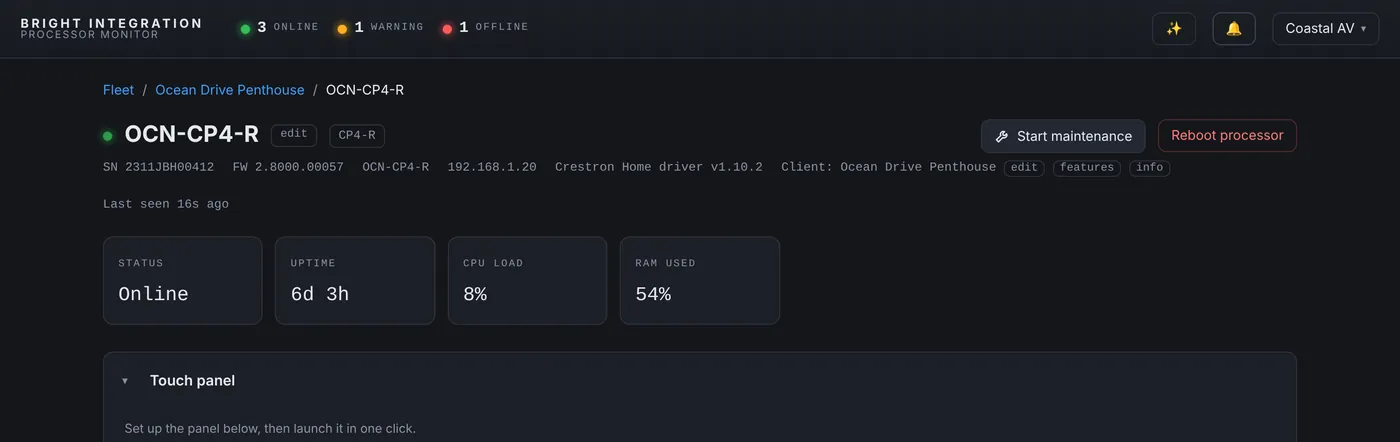
On 4-Series processors, add the Bright Thermostat module to the program next to your thermostat control and load it. Zones appear on the dashboard at the next report and their history starts right away. On Crestron Home, the Crestron Home driver reads the thermostats once the Web API token is entered.
Questions
Which thermostats are supported?
Any thermostat your Crestron program controls, reported through the Bright Thermostat module; DIN-1TSTAT8 radiant zones; and thermostats on Crestron Home through the Crestron Home driver.
Can I change the setpoint from the dashboard?
The dashboard can change the mode (Cool, Heat, Auto, Off) when the program allows it. Setpoints stay with the client and the program.
How long is the history?
7 days of readings at one per minute, with day and week views.
Where does the outside temperature come from?
From the thermostat module when the program provides it, or from the weather at the client’s address.
Part of Processor Monitor, the Crestron monitoring dashboard for dealers. $99 per processor per month, every feature included.